Combining the Orders (Step=11)
Relevant code
XDpiped.csh redshift.py CombineOrders.py gnirs_unc.py
Relevant options
1extras: yes/no        (no) [extract full-slit spectrum and in steps along the slit?]
2offsets: no/manual    (no) [enter specplot, edit order scaling?]
3shift_to_rest: yes/no (no) [look up redshift and shift to rest frame?]
What it does
The individual orders are combined. This was done initially using
IRAF’s odcombine task. However, this resamples the spectrum to a linear
dispersion, significantly oversampling some orders. The
combination is now done using custom code written by Daniel Ruschel
Dutra (see gnirs_unc.py).
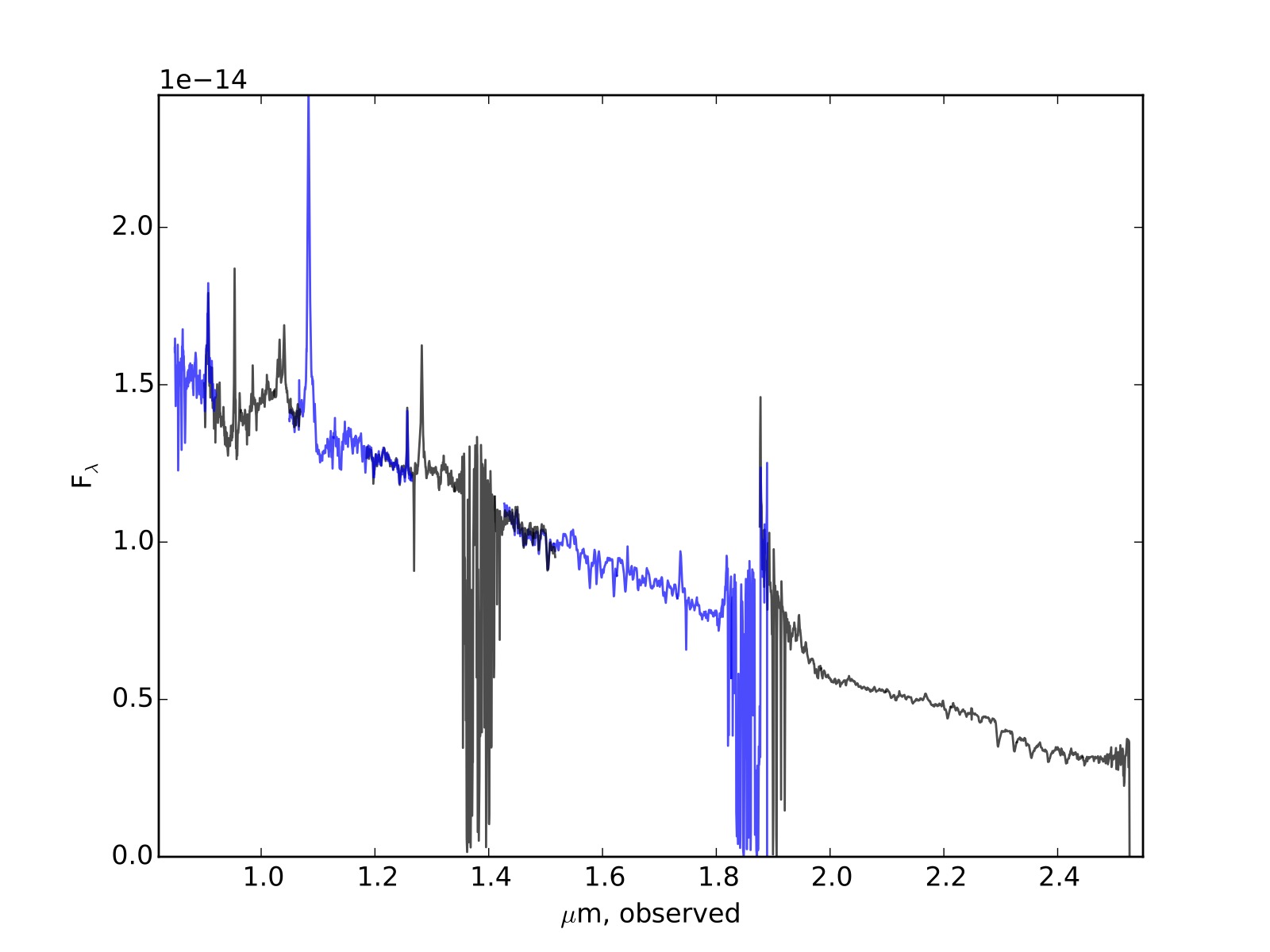
A plot of the individual orders, PRODUCTS/orders.pdf, is generated so the user can easily see offsets between orders. If significant offsets are found, the code can be restarted at this step using the offsets=manual option. This takes the user into specplot, so the scaling of individual orders can be adjusted. We suggest using this option in the following way:
First, set the color of each order using commands like
:color[2] 2(to make the second spectrum red, for example). You’ll need to hit “r” to redraw the lot and see the new color scheme. This makes it easier to see if any orders are offset in y.Next, put the cursor near any order you want to scale, and type
:scale 0.9(for example). It’s important to know that specplot applies whatever command you give to the spectrum nearest the cursor.Repeat the previous step until satisfied, then hit “q” to quit. After that, there’s no need to write out the edited spectra, the final scaling is written into a log file by specplot, and the code uses that information to scale the orders.
Especially in the higher orders, the throughput is very low in certain
regions of the spectrum. The code deals with this by only passing
restricted data ranges to odcombine for combining. These pieces are
specified by a file written into the INTERMEDIATE directory the
first time the code is run. If the orders.pdf file suggests that it
would be better to exclude (or include) more of any order, the user can
proceed like this:
First, look for the
goodbits.txtfile in theINTERMEDIATEdirectory. That file contains the regions of each order used in the final combined spectrum, starting with order 3/extension 1. Guess the region you want to use, and edit and save the file.Rerun the code, and see if you like the orders.pdf file better.
Repeat until satisfied. To revert to the original values, simply delete the
INTERMEDIATE/goodbits.txtfile and rerun the code from this step.
The final spectrum is given a name based on the target name in the
original file headers. If shift_to_rest=yes, a rest-frame spectrum is
generated based on the redshift obtained by the redshift.py code, which
queries NED. The redshift is written to INTERMEDIATE/redshift.txt:
-0.00014
The redshift file can be created by the user if necessary. The spectra of each order, and the combined spectrum, are also written to .txt files at this stage.
What to look for
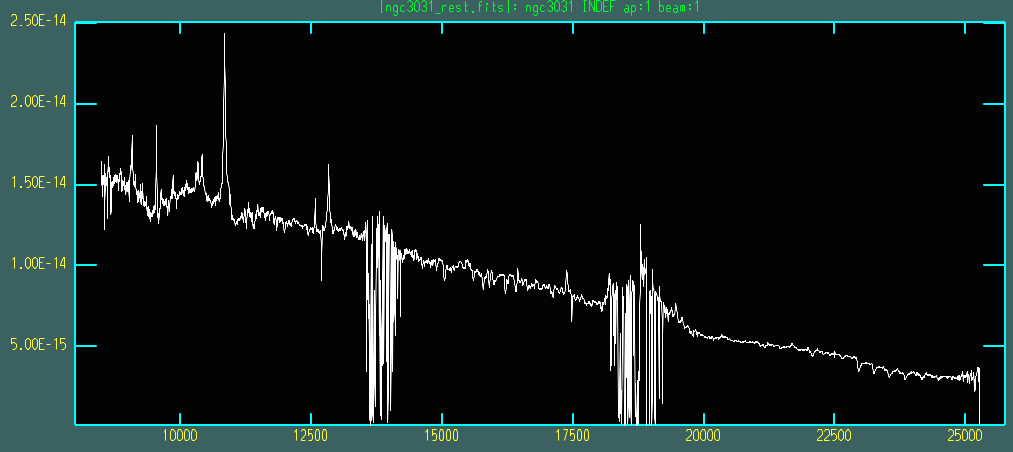
This is essentially the end of the reduction; FITS and text files
containing the 1D, calibrated spectrum are created here.
Things to most likely go wrong
Special characters in the filename can cause the code to fail. Currently, the only protection against this is for the “/” and space characters, which are removed. Interorder offsets are most common between orders 7/8 (the shortest-wavelength orders) and are usually of the order of 10% or less. Large interorder offsets usually indicate that something has gone wrong; one of the orders probably has been badly rectified, or maybe the correct columns weren’t extracted. See S-distortion Correction and Wavelength Calibration (Step=5) and Extracting the Spectra (Step=7) for what to do if this happens.